How to move loyalty cards from Stocard to a new app
If you found your Stocard app is no longer working, you probably realised that one of your favourite apps has coem to the end of it's life. MOre importantly, you will need to move your loyalty cards if you want to still access your loyalty cards on your phone. This guide shows the safest way to do it, including the easiest route by using Tribe Rewards.
Summary
- Stocard app has been shut down and your loyalty cards are at risk
- The practical method is to move your cards into a new app that you can rely on.
- The least fuss way of migrating your cards safely is to use Tribe Rewards app.
- Move your cards timeously to avoid risk of losing access to your loyalty cards.
Why you may need to move your Stocard cards
Stocard was acquired by Klarna, and Stocard’s loyalty card features were moved into Klarna’s broader shopping app. Some users are comfortable using Klarna. Others want a dedicated loyalty card wallet that does not sit inside a finance and payments app.
If you are in the second group, the important thing is to move before you need the card at checkout. Nothing is more annoying than trying to solve an app problem while people are waiting behind you.

How do you move loyalty cards from Stocard?
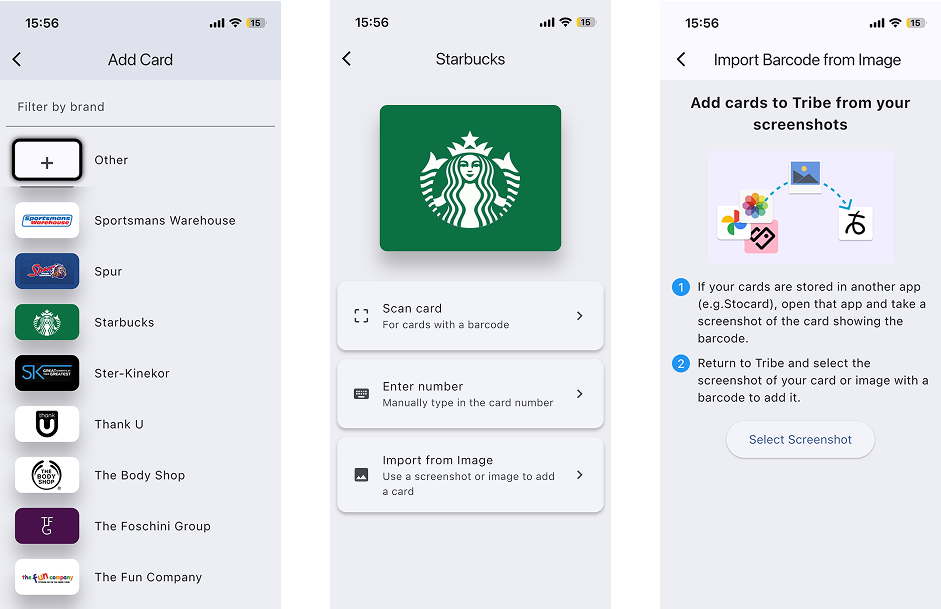
To move loyalty cards from Stocard, open each card, capture or copy the barcode details, then add the card to a new loyalty card app. In Tribe Rewards, you can add cards by scanning with your camera, entering the number manually, or importing a screenshot of the barcode.
Three ways to add your loyalty cards to Tribe
| Method | Best for | Notes |
|---|---|---|
| Import from screenshot | Moving cards from Stocard or Klarna | Usually the easiest migration method because you can capture the barcode from your old app. |
| Scan with camera | Physical plastic cards | Point your camera at the card barcode and let Tribe capture the details. |
| Manual entry | Cards that do not scan cleanly | Type the card number directly if the barcode is damaged, unclear, or unavailable. |
Step-by-step: move loyalty cards from Stocard
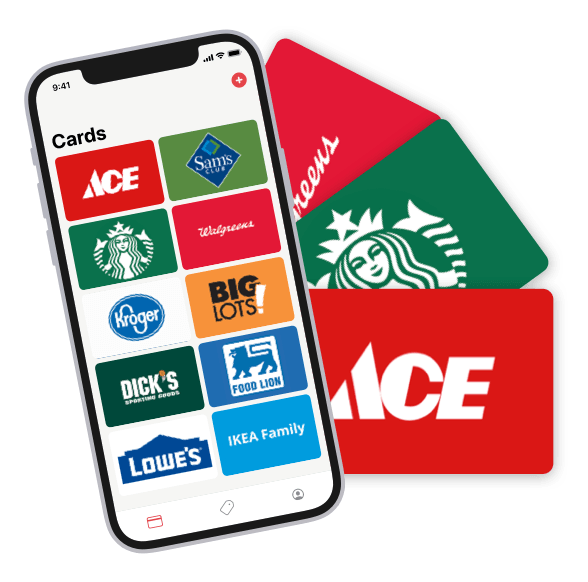
1. Start with your most-used cards
Do not try to move every card at once. Start with the cards you use weekly: grocery stores, pharmacies, fuel rewards, coffee shops, and any card you would miss at checkout.
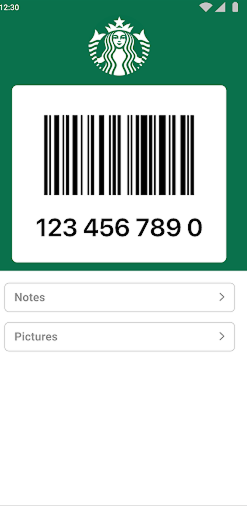
2. Take a clear screenshot of the barcode
Open the card in Stocard or Klarna and take a screenshot where the barcode or QR code is clearly visible. Make sure the card number is readable if it appears below the code.
3. Open Tribe and choose screenshot import
In Tribe Rewards, add a new card and import the screenshot. This is often easier than manually typing long card numbers, especially if you are moving several cards.
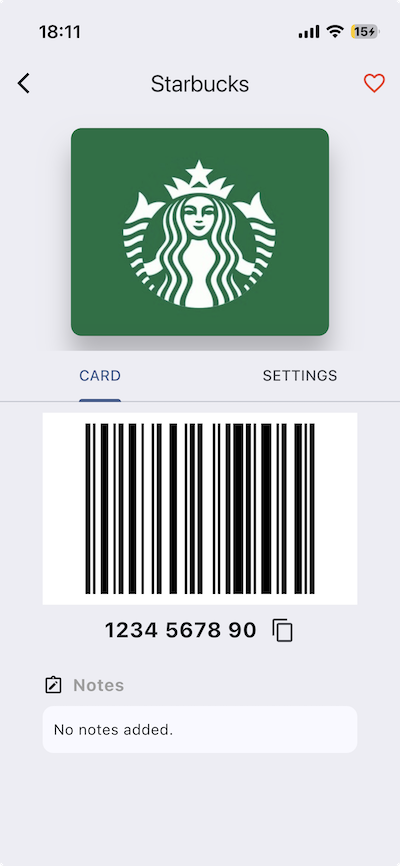
4. Check the card details
Confirm the card name, barcode, and number before deleting anything on the old app.
Move your cards into Tribe
Download Tribe and keep all your loyalty cards in one place. Add cards manually, scan them with your camera, or import them from screenshots.
Download Tribe RewardsBe careful of fake Stocard apps
If you search for Stocard in an app store, you may see apps using similar names or icons. Do not assume they are the original Stocard. Check the developer name before downloading anything or adding card details.
If the developer is not Stocard or Klarna, treat it as a copycat app and be cautious.
Why Tribe is useful after moving from Stocard
Tribe covers the core Stocard use case: keeping your loyalty cards on your phone so you can access them quickly at checkout.
It also adds shopping features that Stocard users may find useful: custom notes on cards, cards from different countries, offline card access, and a shopping list that lets you add prices as you shop.
Move from Stocard FAQ
Can I export all my Stocard cards at once?
Most users should not expect a clean bulk export into another app. The safer route is to move your important cards one by one and test them.
What is the fastest way to move cards to Tribe?
Use screenshot import. Open each card in Stocard or Klarna, take a clear screenshot of the barcode, and import it into Tribe.
What if screenshot import does not work?
Use camera scan if you still have the physical card, or enter the card number manually.
Will my cards work offline in Tribe?
Tribe prioritises access to your saved cards, including when your connection is poor or unavailable.